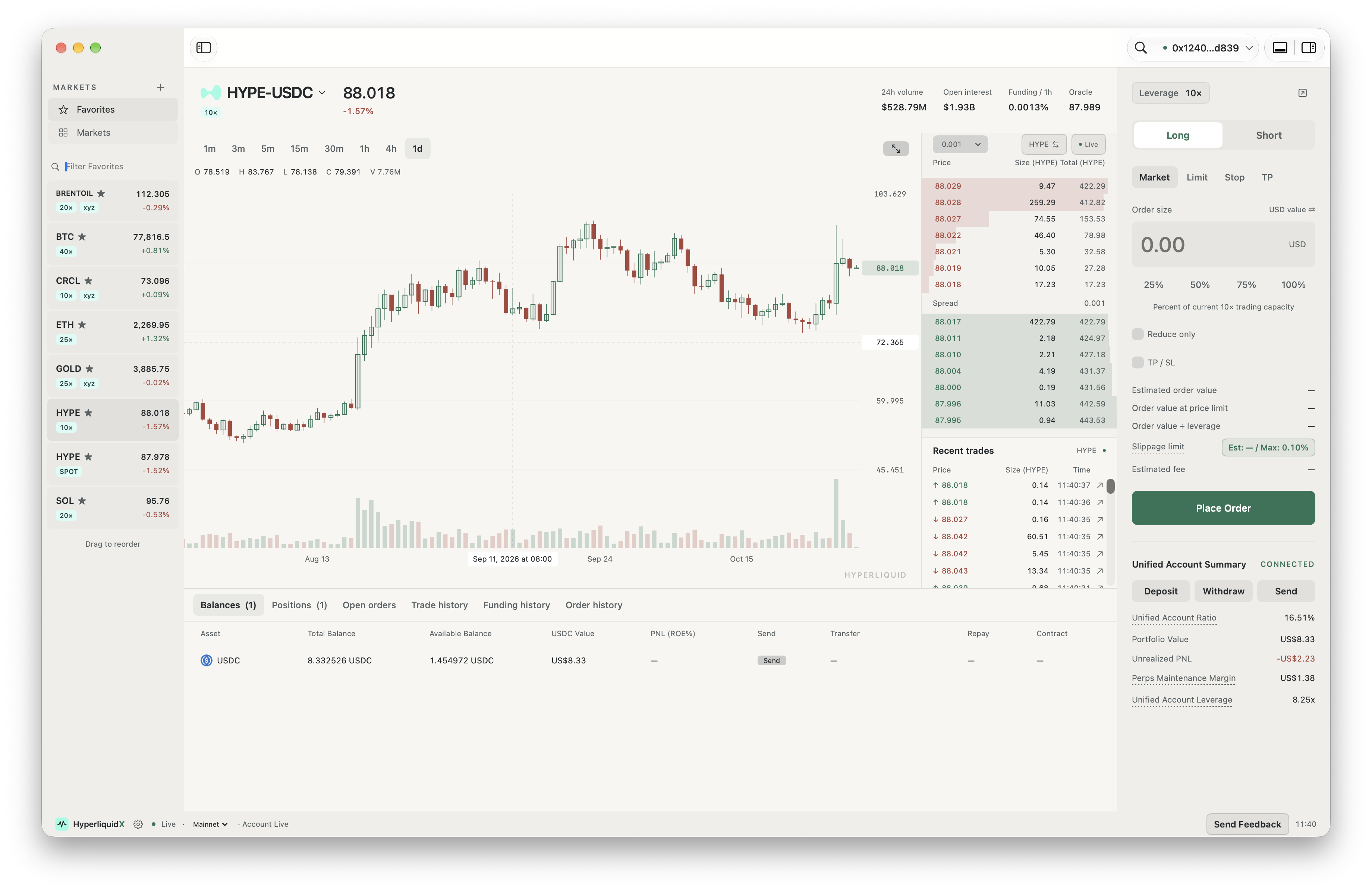
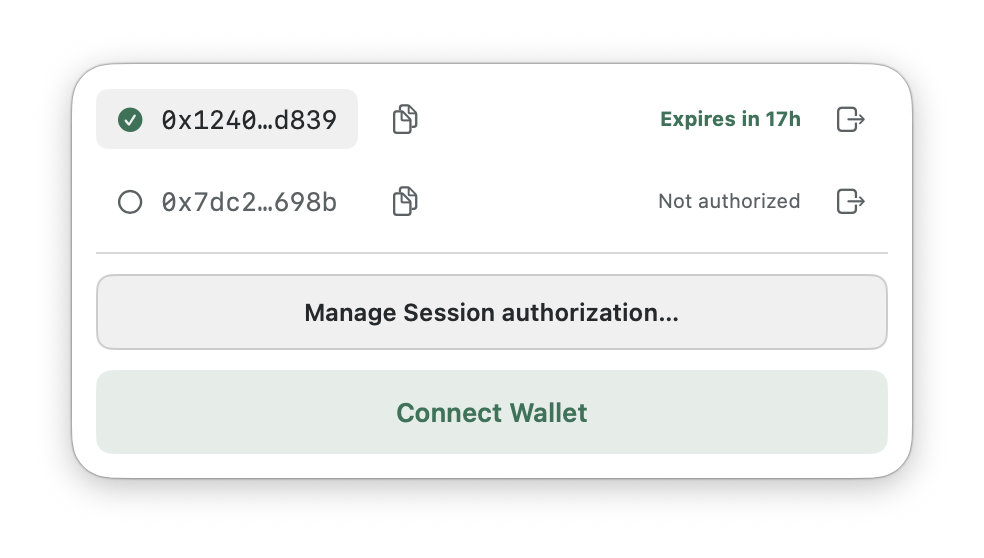
Multiple wallets. One place.
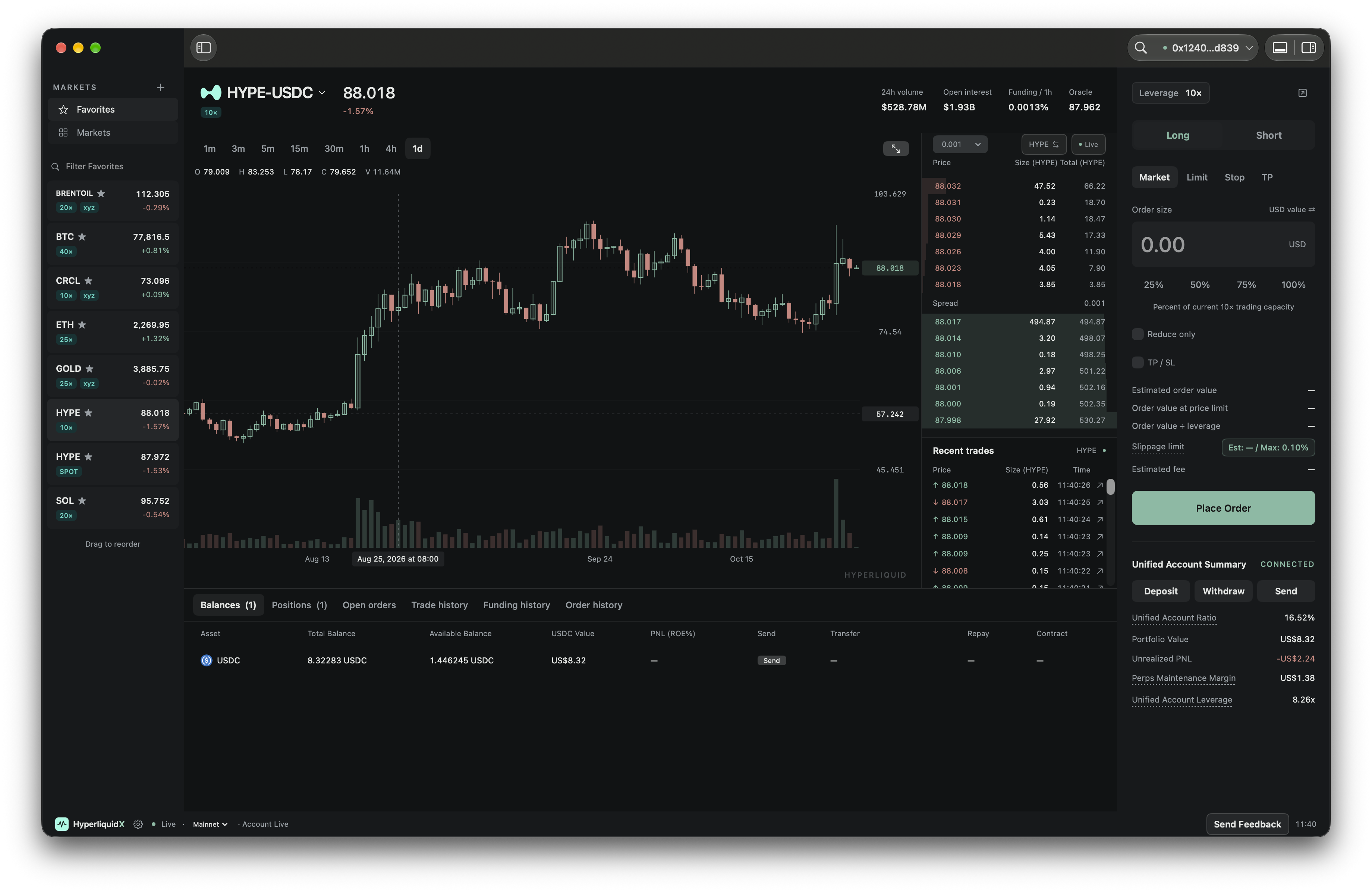
Fast, modern, and delightful.

ETH · $448.6K at $2344.33 · 7 trades · 7 buys
ETH · $55.5K at $2344.3
Buy 0.0544 ETH at $2343.3
 USDC
USDC HyperCore
 Aptos
Aptos Arbitrum
 Arc
Arc Avalanche
 Base
Base Codex
Codex Cronos
 Ethereum
 HyperEVM
 Injective
 Ink
Ink Linea
Linea Monad
Monad OP Mainnet
 Plasma
 Plume
Plume Polygon PoS
 Sei
Sei Solana
 Sonic
Sonic Starknet
 Stellar
 Sui
Sui Unichain
 World Chain
 X Layer
 XDC
XDCNo. Connect your wallet without importing its seed phrase or main private key. Trading sessions use a separate authorization, which can be saved encrypted on this Mac with Keychain protection.
Yes. Keep multiple wallets in one workspace and switch from the account menu. Each account has its own authorization status; an expired or disconnected session may need to be renewed or reconnected.
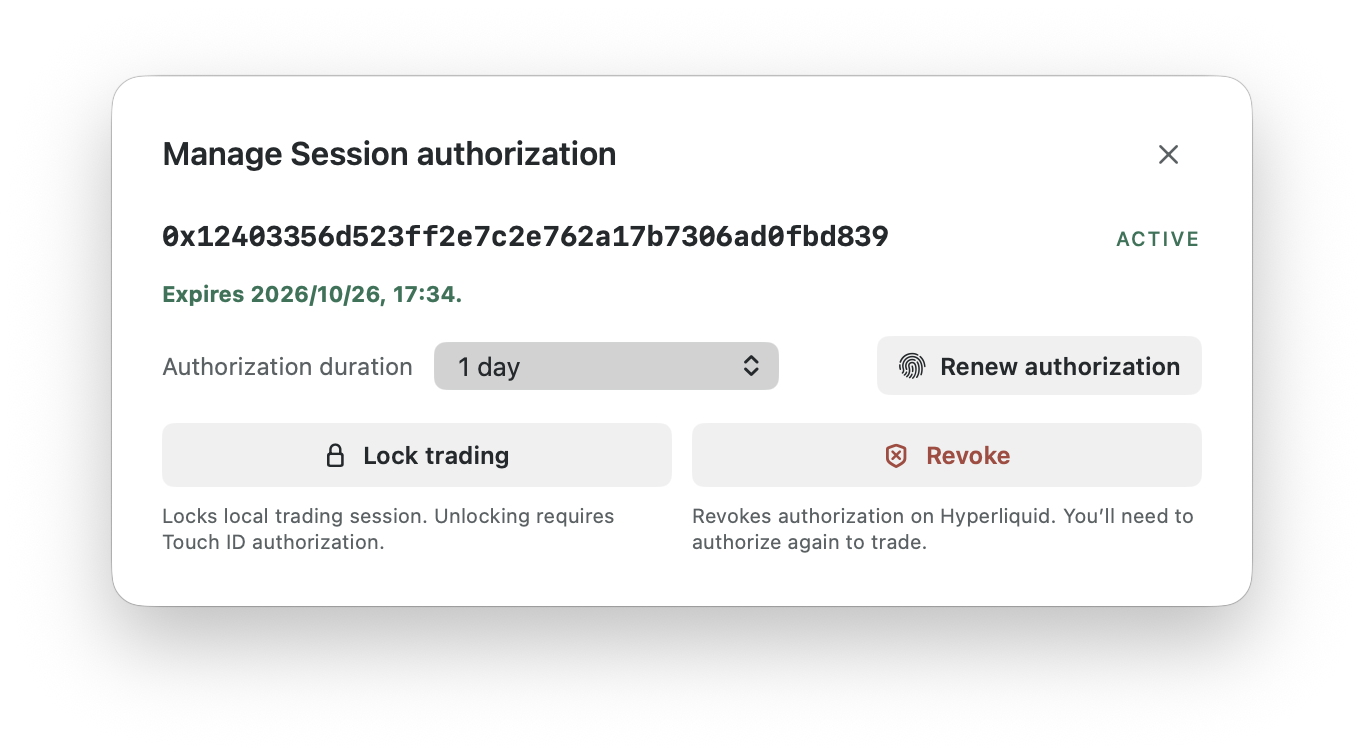
You choose the duration. The session panel shows when authorization expires and lets you renew it. Once it expires, renew your authorization to continue trading.
Lock trading locks the local trading session on your Mac. Unlocking requires Touch ID or your Mac password. Revoke removes the trading authorization on Hyperliquid and requires wallet approval. Re-authorization is required if your trading authorization is revoked or expires.
L1 — Best bid and ask. Shows the best bid and best ask. Subscribe using Hyperliquid’s bbo WebSocket feed ↗.
L2 — Aggregated depth. Groups orders by price level, showing the price, total size, and order count at each level. Subscribe using Hyperliquid’s l2Book WebSocket feed ↗.
L3 — Individual orders. Shows individual orders without wallet attribution. Derive an anonymous L3 view from L4 data by omitting wallet attribution. See the official L4 snapshot documentation ↗.
L4 — Individual orders with wallet attribution. Shows individual orders with pseudonymous wallet attribution. See the official raw book diffs ↗ for order changes and L4 snapshots and order statuses ↗ for full order book and lifecycle details.
Yes. HyperliquidX supports CCTP V2. View Circle’s supported networks ↗
A successful transaction on the sending chain is only the first step. Your deposit is complete when the USDC burn succeeds, Circle finishes forwarding the transfer, and Hyperliquid records a matching credit. That credit must match your receiving wallet, the USDC amount after fees, your selected Perp or Spot account, and the transfer time.
If any step is still pending, your deposit is not yet confirmed as received. Check the selected account and transfer status. If it remains unresolved, contact support with your source-chain transaction hash and receiving wallet address.

Get started